

The best stock trading apps in the UK let you invest quickly, securely, and at low cost.
This guide compares the top FCA-regulated apps for 2026, covering fees, tools, account types, and payment methods.
You’ll see which trading apps suit beginners, active traders, and long-term investors so you can choose the right app with confidence.
Key takeaway: What’s the best stock trading app in the UK?
The best stock trading app in the UK is eToro. It stands out for its beginner-friendly design, commission-free trading on real stocks, strong FCA oversight, and simple GBP deposits. With easy tools, social features, and a clean mobile interface, it’s the most accessible choice for new and everyday investors.
Top 5 trading apps (quick overview)
| App | Fees & Costs | Tools & Ease of Use | Asset Range | Best For (Key Strength) |
|---|---|---|---|---|
| eToro | 0% stock commissions; higher FX/crypto spreads; £5 withdrawal fee | Very beginner-friendly; copy trading; simple charts | Stocks, ETFs, crypto, CFDs | Best for beginners and social/copy trading |
| IG | 0% UK/US shares; custody fee if inactive; tight spreads | Advanced charts; Reuters news; pro-level tools | 18,000+ markets | Best for active traders and advanced tools |
| XTB | Low CFD spreads; no withdrawal fees; low non-trading costs | Excellent charting; sentiment tool; fast execution | 2,100+ CFDs | Best for technical traders and fast execution |
| Capital.com | 0% commission; competitive spreads; £20 minimum | Very intuitive app; TradingView integration; great education | 4,500+ CFD markets | Best for beginners wanting easy CFD trading |
| Pepperstone | Spreads from 0.0 pips; no inactivity fees; free funding | MT4, MT5, cTrader, TradingView; fast execution | 2,700+ CFDs | Best for forex traders and pro-grade platforms |
Top 5 stock trading apps UK – best for
- eToro – Best for beginners and copy trading
- IG – Best for advanced tools and active trading
- XTB – Best for technical traders and fast execution
- Capital.com – Best for intuitive CFD trading and education
- Pepperstone – Best for low spreads and pro-grade platforms
UK stock trading app reviews
Below you’ll find our top rated UK trading apps, starting with the best choice for beginners.
1. eToro – Best for beginners and copying experts
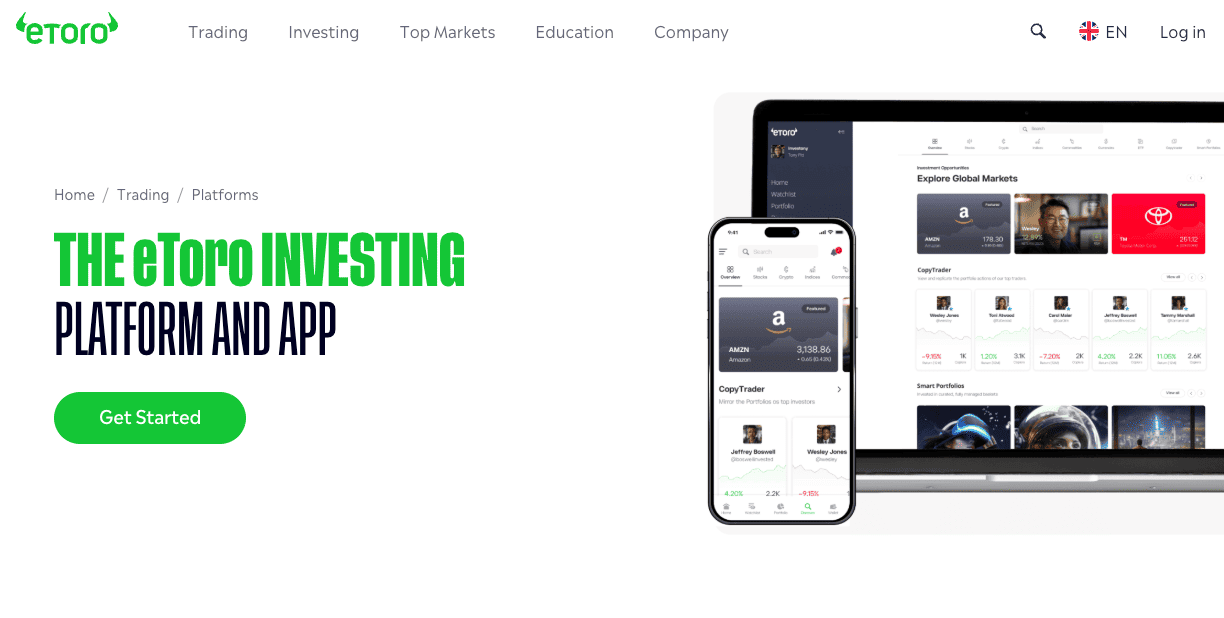
Should you use eToro as a trading app?
Yes, eToro is a strong choice for beginners and casual investors due to its easy-to-use app, 0% stock commissions, and powerful copy trading tools.
It’s FCA regulated, offers a wide range of assets, and makes diversification simple. Just be aware of FX conversion fees and higher spreads on crypto and forex compared to specialist platforms.
Key info table
| Feature | Details |
|---|---|
| FCA Regulated | Yes (eToro (UK) Ltd) |
| FSCS Protection | Cash protected up to £85,000 (not investments) |
| Minimum Deposit | $50 (via bank transfer) |
| Stock Fees | 0% commission on real shares |
| Crypto Fees | 1 percent spread |
| Forex Fees | From 1 pip |
| Withdrawal Fee | £5 flat fee |
| Account Currency | USD only (FX applies on deposits/withdrawals) |
| Best For | Beginners, copy trading, multi-asset investing |
| Platforms | Web + iOS/Android app |
| CFD Risk | 61 percent of retail accounts lose money |
What are the app’s fees and trading costs?
eToro is affordable for stock investing due to 0% commission on real shares, but costs rise for crypto and forex, where spreads are wider.
The platform also charges a £5 withdrawal fee and FX conversion fees because all accounts run in USD. For most long-term share investors, overall costs remain competitive.
How safe is the eToro app and is it FCA regulated?
Yes. eToro is FCA regulated, uses segregated client funds, and applies strong ID verification. Cash held with eToro is protected by the FSCS up to £85,000 if the firm failed, though investments and crypto are not FSCS-protected.
Security features are robust for a mainstream trading app.
Which assets and account types does the eToro app offer?
eToro offers a large multi-asset range, making it easy to build a diversified portfolio.
You can trade stocks, ETFs, crypto, commodities, indices, and CFDs, plus use Copy Trading and Smart Portfolios. There is no Stocks & Shares ISA, which some UK competitors offer.
How easy is the app to use and what tools does it include?
eToro is one of the easiest trading apps to learn, with a clean interface, simple onboarding, and a strong social trading feed. Its tools suit beginners more than advanced traders.
Copying experienced investors adds extra guidance without needing deep technical analysis.
How fast and flexible are the payment and withdrawal options on eToro ?
Payments are smooth and offer decent flexibility. Debit cards, bank transfer, and selected e-wallets are supported.
Deposits are instant for most users. Withdrawals are reliable but come with a £5 fee and usually take 2–3 working days. All transfers convert to/from USD, which adds FX cost.
Who is eToro best for?
eToro is best for beginners, casual investors, and anyone who wants social or copy trading. It’s ideal if you want to trade stocks, ETFs, crypto, and CFDs in one app without switching platforms.
It’s less suited to active forex traders or advanced analysts who need deep charting or tighter spreads.
Read the complete eToro review here.
Pros & cons
Pros
- Commission free trading on real stocks
- Excellent copy trading and social features
- Beginner-friendly interface
- Wide range of assets including crypto
- Free demo account
- Strong FCA oversight and segregated funds
Cons
- High FX conversion fees (USD-only accounts)
- £5 withdrawal fee
- Higher crypto and forex spreads than specialist platforms
- No ISA account
- Research tools are basic compared to IG/TradingView
2. IG – Best for advanced trading tools and broad market access
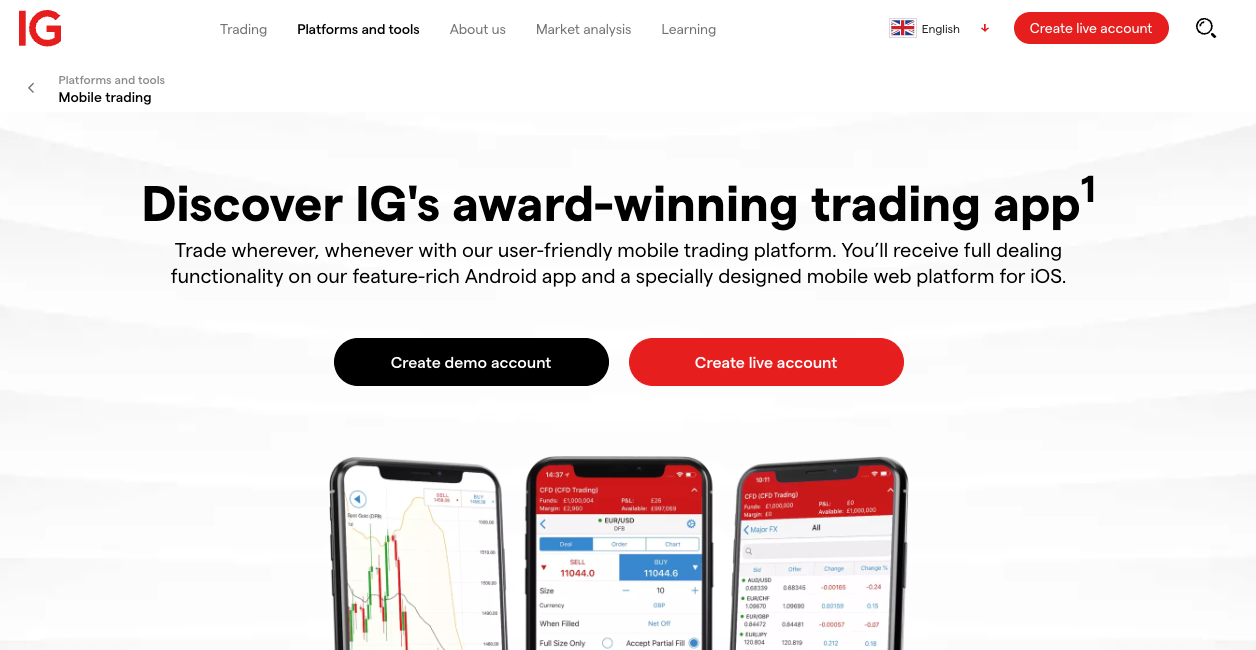
Should you use IG as a trading app?
Yes, IG is one of the best trading apps for active and intermediate UK investors due to its powerful tools, fast execution, and extensive market range.
It’s fully FCA regulated, offers commission-free UK and US share trading, and provides exceptional research.
Total beginners may find the platform complex, and less active traders face custody fees.
Key info table
| Feature | Details |
|---|---|
| FCA Regulated | Yes (IG Markets Ltd, IG Index Ltd) |
| FSCS Protection | Cash protected up to £85,000 |
| Minimum Deposit | £0 (for share dealing) |
| Share Dealing Fees | 0 percent UK/US shares; custody fee applies |
| CFD Risk | 70 percent of retail accounts lose money |
| Mobile App Rating | 5.0 stars (industry leading) |
| Market Coverage | 18,000+ markets |
| Research Tools | Advanced screeners, Reuters news, IG Academy |
| Best For | Active traders, intermediate investors, high-quality research |
| Withdrawal Fee | £0 |
| App Security | 2FA + biometric login |
What are the app’s fees and trading costs?
IG offers 0% commission on UK and US shares, with spreads applied to CFDs and forex. A custody fee applies if you place fewer than 3 share trades per quarter.
There are no deposit fees, and withdrawals are free. Overnight funding and FX conversion costs apply where relevant.
How safe is the IG app and is it FCA regulated?
IG is considered one of the safest trading apps in the UK, backed by full FCA regulation, segregated client funds, and over 45 years of operating history.
As a publicly listed FTSE 250 company, IG meets stringent reporting and capital requirements. Cash is protected by the FSCS up to £85,000, though trading losses and CFDs are not covered.
Which assets and account types does the IG app offer?
IG offers one of the largest market selections in the UK, with more than 18,000 instruments across shares, ETFs, indices, forex, commodities, options, and cryptocurrency derivatives.
You can open Share Dealing, ISA, CFD, Spread Betting, and Smart Portfolio managed accounts, giving investors and traders multiple ways to access markets.
How easy is the app to use and what tools does it include?
IG’s mobile app is one of the most advanced and professional tools available to UK traders, offering fast execution, deep charting, and powerful research features.
It mirrors the desktop experience with custom layouts, real-time data, and order types like trailing stops and guaranteed stops.
How fast and flexible are the payment and withdrawal options on IG?
IG offers fast, fee-free deposits and withdrawals via standard UK methods. Bank transfers, debit cards, and PayPal are supported.
Withdrawals typically arrive within 1–3 working days, and there are no withdrawal fees. A custody fee applies on share dealing accounts if fewer than three trades occur per quarter.
Who is IG best for?
IG is best for active traders, intermediate to advanced investors, and anyone who needs high-quality research, screeners, and advanced order types.
It’s ideal for those trading frequently across global markets. Beginners may prefer simpler trading platforms due to IG’s learning curve and complex toolset.
Read the complete IG review here.
Pros & cons
Pros
- Zero commission trading on UK and US shares
- 18,000+ markets across shares, forex, indices, ETFs, and more
- Advanced charting & research tools
- FCA regulated and publicly listed
- Excellent educational content (IG Academy)
- Zero withdrawal fees
Cons
- Custody fee unless you trade regularly
- Complex interface for total beginners
- Higher international trading fees
- No copy trading
- CFDs carry high risk (70 percent lose money)
3. XTB – Best for low-cost CFD trading and advanced charting
Should you use XTB as a trading app?
Yes, XTB is a strong option for active traders who want fast execution, powerful charting, and competitive CFD pricing across multiple markets.
The xStation mobile app is highly rated, intuitive, and packed with trading tools such as sentiment indicators and an economic calendar.
It is less suitable for beginners or long-term investors, and CFD trading carries high risk.
Key info table
| Feature | Details |
|---|---|
| FCA Regulated | Yes (XTB Ltd) |
| FSCS Protection | Up to £85,000 on cash |
| Minimum Deposit | £0 |
| Stock Fees | Low (CFDs only) |
| Crypto CFDs | Yes |
| Mobile App Rating | 4.7 iOS / 4.5 Android |
| Market Coverage | 2,100+ CFD markets |
| Best For | Active traders, charting |
| Withdrawal Fee | £0 |
| CFD Risk | 75 percent lose money |
What are the app’s fees and trading costs?
XTB uses a spread-only pricing model with no commissions on most CFDs. Spreads are competitive, and the app charges no deposit, withdrawal, or inactivity fees.
Overnight funding costs apply to positions held open, and FX conversion may apply if trading in non-GBP markets.
How safe is the XTB app and is it FCA regulated?
XTB is fully FCA regulated and uses segregated accounts, biometric login, and two-step authentication to protect users.
Cash is covered by the FSCS up to £85,000, although CFD positions are not protected. With strong user ratings and a long operational history, XTB is considered a secure choice for UK CFD traders.
Which assets and account types does the XTB app offer?
XTB focuses on multi-asset CFD trading with more than 2,100 markets, including forex, indices, commodities, stock CFDs, ETF CFDs, and crypto CFDs.
There is no ISA or share-dealing account, so it is designed primarily for short-term and leveraged trading rather than long-term investing.
How easy is the app to use and what tools does it include?
The xStation mobile app is fast, stable, and easy to navigate, with highly rated charting and smooth trade execution. It includes technical indicators, a trading sentiment tool, an economic calendar, a demo account, and customisable layouts.
The interface suits both beginners and experienced traders, though it leans towards technical users.
How fast and flexible are the payment and withdrawal options on the XTB app?
XTB offers quick, fee-free deposits and withdrawals using UK-friendly methods such as bank transfer, debit card, and PayPal.
Withdrawals typically complete within one business day, and account opening takes about 24 hours. There are no withdrawal fees or minimum deposit requirements.
Who is the XTB app best for?
XTB is best for active traders who rely on fast execution, charting, and real-time data to manage CFD positions. It works well for forex and index traders who want sentiment analysis and strong technical tools.
It is less suited to beginners or investors looking for ISAs, spot shares, or simple long-term portfolios.
Read the complete XTB review here.
Pros & cons
Pros
- Excellent charting and technical tools
- Highly rated mobile app on iOS and Android
- Fast execution with strong platform stability
- Zero withdrawal fees
- Useful sentiment and market analysis tools
Cons
- CFDs only, no ISA or direct share dealing
- Less suitable for beginners
- Cannot trade directly from charts on mobile
- Some users report settings loss after reinstall
4. Capital.com – Best for beginner-friendly CFD trading and fast execution
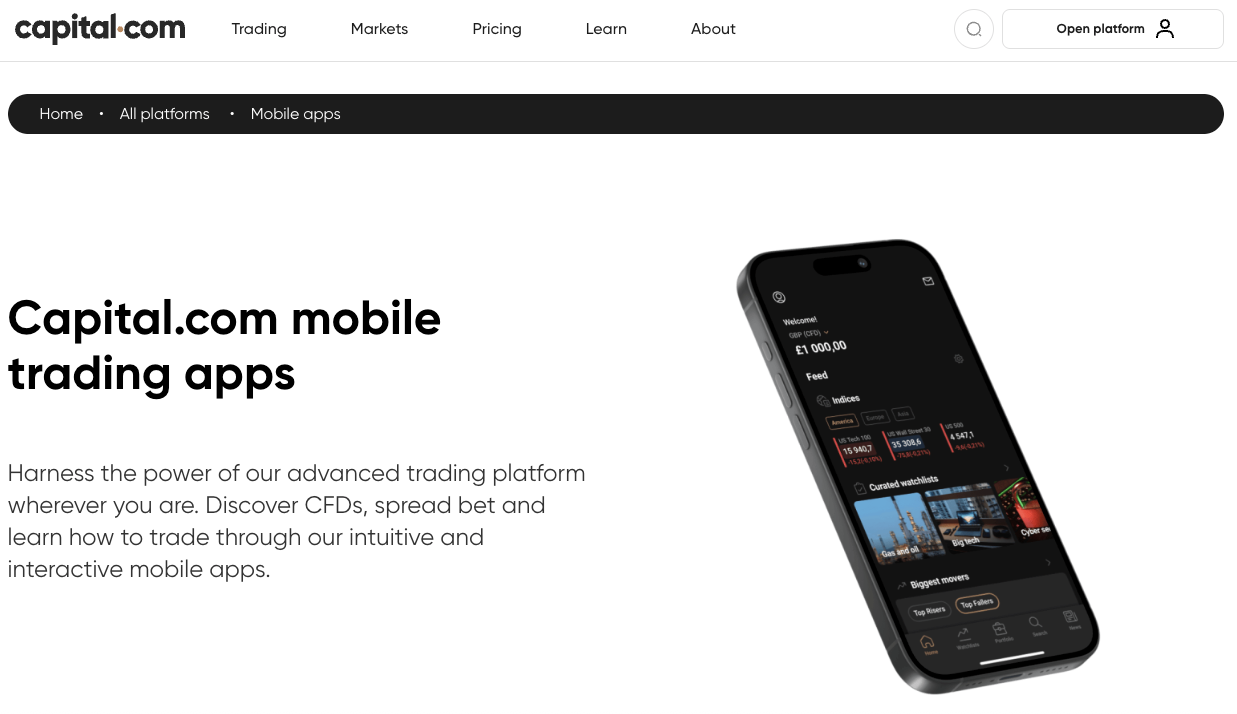
Should you use Capital.com as a trading app?
Yes, Capital.com is a strong choice for beginners and active CFD traders due to its user-friendly app, fast execution, commission-free pricing, and strong FCA regulation for UK clients.
It offers 4,000+ markets, excellent education, and 24/7 support, although it only provides CFDs and spread betting rather than real share ownership.
Key info table
| Feature | Details |
|---|---|
| FCA Regulated | Yes (Capital Com UK Ltd) |
| FSCS Protection | Up to £85,000 |
| Minimum Deposit | £20 (card) |
| Trading Fees | 0% commission, spread-only |
| Account Types | CFD, Spread Betting, 1X Account, Demo |
| Mobile App Rating | 4.6 iOS / 4.5 Android |
| Market Coverage | 4,500+ CFD markets |
| Best For | Beginners, fast execution, multi-asset CFDs |
| Withdrawal Fee | £0 |
| CFD Risk | 70% lose money |
What are the app’s fees and trading costs?
Capital.com charges 0% commission on all markets and makes money through tight spreads. There are no deposit or withdrawal fees and no inactivity fees for UK clients.
Overnight charges apply to leveraged positions, and FX conversion fees may apply depending on the asset traded.
How safe is the Capital.com app and is it FCA regulated?
Capital.com is fully FCA regulated in the UK, offers segregated client funds, and provides FSCS protection up to £85,000 for cash balances.
It uses biometric login, two-step authentication, and strong encryption to protect accounts.
As a multi-licensed global broker with negative balance protection, it delivers a secure and transparent environment for UK traders.
Which assets and account types does the Capital.com app offer?
Capital.com offers over 4,500 CFD markets across shares, indices, forex, commodities, ETFs and crypto (not available for UK retail clients).
UK users can open CFD, spread betting, professional, and 1X accounts. There is no ISA or real share dealing, so the platform is designed entirely for leveraged derivatives trading rather than long-term investing.
How easy is the app to use and what tools does it include?
The Capital.com app is intuitive, modern, and highly rated for ease of use, making it suitable for both beginners and experienced traders.
It integrates TradingView charting, offers 100+ technical indicators, provides real-time price alerts, and features Trading Analytics to review performance. Users also benefit from an excellent demo account and extensive built-in education.
How fast and flexible are the payment and withdrawal options?
Capital.com offers fast, fee-free deposits and withdrawals using bank transfers, debit cards, Apple Pay, PayPal, and e-wallets.
Deposit minimums start from £20, and most withdrawals are processed within 24 hours. There are no funding or withdrawal charges, though third-party banking fees may apply externally.
Who is Capital.com best for?
Capital.com is best for beginners, mobile-first traders, and anyone who wants simple navigation, fast execution, and high-quality learning tools.
Its broad market range suits traders who diversify across multiple asset classes. It is less suitable for long-term investors seeking real shares or ISAs, as all instruments are CFDs or spread bets.
Read the complete Capital.com review here.
Pros & cons
Pros
- Beginner-friendly and easy to use
- 0% commission and competitive spreads
- 4,500+ markets with fast execution
- Excellent education and demo account
- 24/7 customer support
- No deposit or withdrawal fees
Cons
- CFDs only, no real share ownership
- Some users report delayed withdrawals
- Occasional support slowdowns
- No built-in copy trading
- Some advanced order types only available via MT4/TradingView
5. Pepperstone – Best for low spreads, fast execution, and pro-grade platforms
What are the app’s fees and trading costs?
Pepperstone offers raw spreads from 0.0 pips on its Razor account plus a small commission per lot, while the Standard account uses spread-only pricing.
There are no inactivity or withdrawal fees, and deposits are free. Overnight swap rates and FX conversion charges apply where relevant.
Should you use Pepperstone as a trading app?
Yes, Pepperstone is a top choice for forex and CFD traders who want ultra-low spreads, fast execution, and access to MT4, MT5, cTrader, TradingView, and its own app.
It’s FCA regulated, offers £0 minimum deposit, and charges no inactivity or withdrawal fees. Beginners must understand that Pepperstone is a CFD broker only, so trading carries high risk.
Key info table
| Feature | Details |
|---|---|
| FCA Regulated | Yes (Pepperstone UK Ltd) |
| FSCS Protection | Up to £85,000 |
| Minimum Deposit | £0 |
| Trading Fees | From 0.0 pips on Razor |
| Account Types | Standard, Razor, Spread Betting, Demo |
| Mobile App Rating | MT4/MT5/cTrader apps 4.3–4.7 |
| Platforms | MT4, MT5, cTrader, TradingView, WebTrader |
| Markets | 2,700+ CFDs incl. forex, indices, shares |
| Best For | Forex traders, scalpers, advanced chartists |
| Withdrawal Fee | £0 |
| CFD Risk | 72–86% lose money |
How safe is the Pepperstone app and is it FCA regulated?
Pepperstone is fully FCA regulated and provides FSCS protection up to £85,000 for UK clients. It keeps client money in segregated tier-1 bank accounts and offers negative balance protection for retail traders.
With multi-jurisdiction licensing, strong cyber-security, and transparent operations, the broker is considered highly secure for UK traders.
Which assets and account types does the Pepperstone app offer?
Pepperstone supports over 2,700 CFD instruments including forex, indices, commodities, share CFDs and ETFs.
UK users can open Standard, Razor, or Spread Betting accounts, all with access to institutional-grade liquidity and competitive spreads. It does not offer real share dealing or ISAs, so all trading is through leveraged derivatives.
How easy is the app to use and what tools does it include?
Pepperstone’s mobile trading experience depends on the platform you choose, with MT4, MT5, cTrader, TradingView, and Pepperstone’s own WebTrader all available.
Each platform supports advanced charting, real-time price alerts, custom indicators, and fast execution. The mobile apps are clean, responsive, and designed for active traders who rely on technical tools.
How fast and flexible are the payment and withdrawal options?
Pepperstone offers fast, fee-free deposits and withdrawals using bank transfer, debit/credit card, PayPal, Apple Pay and Google Pay.
Most deposits are instant, and withdrawals typically take one to three working days. There is no minimum deposit requirement, making it easy to start small and scale gradually.
Who is Pepperstone best for?
Pepperstone is best for forex traders, scalpers, and active CFD traders who need tight spreads and professional trading tools.
It suits intermediate and advanced users who want MT4, MT5, cTrader, or TradingView integration. It is less suited to beginners seeking real shares, long-term investing, or ISA accounts.
Read the complete Pepperstone review here.
Pros & cons
Pros
- Ultra-low spreads from 0.0 pips
- £0 minimum deposit and fee-free funding
- MT4, MT5, cTrader and TradingView support
- Fast execution and deep liquidity
- Excellent 24/7 customer service
- No inactivity or withdrawal fees
Cons
- CFDs only, no real share dealing
- No two-step login on some mobile platforms
- Overnight swap charges apply
- Limited product range outside forex and CFDs
What exactly is a trading app?
A trading app is a mobile platform that lets you buy and sell financial assets such as stocks, ETFs, forex and CFDs using pounds.
These apps connect you to an FCA-regulated broker, provide real-time prices, and include tools like charts, watchlists, alerts and portfolio tracking. Most UK-friendly apps support bank transfers, debit cards and instant GBP deposits.
Why would you use a trading app today?
A trading app makes investing simple, flexible and accessible directly from your phone. UK users get instant GBP deposits, low minimum trades, and clean dashboards that make it easy to monitor positions.
Many apps also include price alerts, news feeds, learning tools and fractional shares to help beginners and casual investors stay in control.
Do you need experience to use a trading app or anyone can get started?
Anyone can start with a stock trading app. Most UK apps include tutorials, demo accounts, simple layouts and low minimum deposits, allowing complete beginners to learn to trade gradually without specialist knowledge.
Is trading through a mobile app genuinely secure?
Yes, reputable trading apps use bank-grade security, including encryption, 2FA, biometric login, and segregated client money. FCA-regulated brokers must follow strict rules on compliance and client protection.
However, investments carry risk, and CFDs are high risk, so you should use strong passwords, 2FA and avoid trading on unsecured devices.
How do you choose the best trading app for your goals?
- Compare fees – look at spreads, commissions, FX charges and withdrawal costs.
Check platform tools – beginners need simple dashboards; active traders need advanced charting and fast execution. - Review account types – decide whether you want real stocks, CFDs, spread betting or ISA options.
- Assess asset coverage – make sure the app offers the markets you want, such as shares, ETFs, forex or commodities.
Verify FCA regulation – choose an FCA-regulated broker and look for FSCS protection on cash. - Look for easy GBP deposits – UK-friendly apps should support low-cost bank transfers and debit cards.
Which trading app is safest for UK users right now?
Apps regulated by the FCA offer the strongest protections for UK users. Platforms like eToro, IG, XTB, Capital.com and Pepperstone provide segregated client funds, transparent operations and high security standards.
Safety also depends on your habits, enable 2FA, secure your device and avoid sharing login information.
Are stock trading apps a good way to build wealth?
Yes, when used for long-term investing rather than short-term trading. Apps make it easy to invest small amounts regularly, diversify across markets and keep trading fees low, all of which support steady wealth building over time.
Which markets and tools do stock trading apps offer?
Most apps offer UK and US shares, ETFs, fractional investing and sometimes CFDs. Tools typically include charts, watchlists, price alerts, performance tracking and basic research to help you make informed decisions.
Which trading app offers the widest range of markets?
IG and Capital.com offer thousands of markets across stocks, indices, commodities and forex. XTB and Pepperstone specialise in extensive CFD and forex markets with fast execution, while eToro offers real stocks, ETFs and selected crypto alongside CFDs. Always check whether the app offers real shares, CFDs or both.
Do you need a desktop platform if you have a trading app?
No. Most trading apps provide full functionality on iOS and Android, including charts, alerts, order placement and portfolio tracking. Advanced traders may still prefer desktop platforms like MT4, MT5, cTrader or TradingView for deeper charting and automation, but they are optional.
Which trading app has the lowest fees?
Pepperstone and XTB typically offer the lowest spreads on forex and CFDs, while eToro offers 0 percent commission on real stock investing. IG is cost-effective for active share traders, and Capital.com uses a competitive spread-only pricing model. Always compare spreads, FX fees and overnight charges before choosing.
Are trading apps safe and legal in the UK?
Yes. Trading apps are legal and must be regulated by the Financial Conduct Authority to operate in the UK. FCA regulation ensures verified accounts, clear risk warnings, and strict client-money rules.
Trading itself is legal, but CFDs are high risk and not FSCS protected, so you must understand the risks before investing.
How do you get started with a trading app?
You can begin trading in minutes. Download a trusted FCA-regulated app, create an account, verify your identity, deposit pounds via bank transfer or debit card, and place your first trade from as little as £10–£50.
Most apps guide beginners with simple dashboards, real-time prices and easy buy/sell buttons.
Steps to begin
- Choose an FCA-regulated trading app
- Download the app and create an account
- Complete ID verification
- Deposit GBP via Faster Payments
- Place your first trade
- Enable 2FA and secure your account
Is it safe to store your investments in a trading app long-term?
Yes, for regulated stockbrokers. FCA-regulated platforms hold client assets in segregated accounts and cash may be FSCS protected up to £85,000.
However, CFD positions carry higher risk and are not eligible for Financial Services Compensation Scheme (FSCS) protection. Long-term stock investors should prioritise FCA oversight, strong security and low fees.
Which trading app offers the most features for advanced traders?
IG, Pepperstone and XTB offer the best tools for advanced users, including deep charting, fast execution, custom indicators, and support for MT4, MT5, cTrader and TradingView. These platforms suit day traders, scalpers and investors who rely on speed and technical analysis.
How we test trading apps
UK trading apps are assessed using a structured review process that scores each platform on security, trading fees, mobile usability, charting tools, order execution, customer support and overall reliability.
Each category is rated from 1 to 5 using live account testing, real trade placement, and verification of every core feature. Reviews prioritise FCA regulation, app stability, pricing transparency and beginner friendly design.
Scoring is based on hands on mobile usage, comparison of spreads and commissions, testing of alerts and charting tools, and checks on funding speed, account security, and asset range. This ensures each recommendation reflects real performance, not marketing claims.
Every review is independent, evidence based and designed to help UK traders choose a safe, reliable mobile trading experience.
For a full breakdown of our review process, visit our detailed guide on How We Test.
Conclusion
The best trading app for you depends on your goals, budget, and preferred markets. eToro stands out for beginners who want simple stock investing and easy copy trading. IG is a top pick for active traders who value powerful tools and deep research.
XTB suits technical traders needing fast execution and strong charting, while Capital.com offers the most beginner-friendly CFD experience with excellent education.
If ultra-low spreads and professional platforms matter most, Pepperstone is the strongest choice. Reviewing each app’s fees, safety, and features ensures you pick the platform that fits your strategy and risk tolerance.
FAQs
Are trading apps safe to use?
Yes, trading apps are safe when they are FCA-regulated and use strong security such as encryption, segregated accounts, and two-step authentication. Your cash (not investments) may be protected up to £85,000 through the FSCS.
Do trading apps charge fees?
Most apps charge through spreads, commissions, FX conversion fees, or overnight funding. Some offer 0 percent commission on shares, but CFD and forex costs vary between platforms.
Can beginners use a trading app?
Yes, many trading apps are designed for beginners with simple dashboards, low minimum deposits, and educational tools. Apps like eToro and Capital.com are known for easy onboarding and user-friendly interfaces.
Which trading apps are best for active or advanced traders?
IG, XTB, and Pepperstone stand out for advanced charting, fast execution, and pro-level platforms like MT4, MT5, cTrader, and TradingView.
Do I need money to start trading on an app?
Most apps let you start with as little as £0–£50, depending on the broker and payment method. Several also have demo accounts to practise risk-free.
Can I withdraw money easily from a trading app?
Yes, FCA-regulated apps support bank transfers, debit cards, PayPal, or e-wallets, with most withdrawals processed within 1–3 working days. Some apps charge small withdrawal fees, so check the costs first.
Are trading apps suitable for full-time investors or traders?
Yes, advanced apps like IG, XTB, and Pepperstone offer fast execution, deep market coverage, and comprehensive tools that suit full-time or highly active traders.