

The best crypto wallets in the UK for 2026 give you secure, simple ways to store Bitcoin and other assets while keeping full control of your private keys.
This guide compares the top options for security, fees, and usability so you can choose a cryptocurrency wallet that fits your needs.
Crypto is not FSCS-protected, so selecting a trusted wallet matters.
Key takeaway: What is the best crypto wallet in the UK?
The best crypto wallet in the UK is Ledger for overall security and long-term asset protection. Its fully offline cold-storage design, strong hardware encryption, and complete private-key control make it the safest option for UK users who want maximum protection. For beginners, eToro Wallet is the best choice, offering simple setup, FCA-linked oversight, and easy GBP funding without needing to manage seed phrases.
Best UK crypto wallets compared
| Wallet | Type | Best for | Key strength |
|---|---|---|---|
| eToro Wallet | Custodial | Beginners & eToro users | FCA-linked ecosystem with simple GBP funding |
| Coinbase Wallet | Non-custodial | Web3, NFTs & multi-chain access | Full key control and wide dApp integration |
| Kraken Wallet | Non-custodial | Multi-chain DeFi users | Open-source security and strong network support |
| Trust Wallet | Non-custodial | Mobile users & multi-asset storage | Supports 10M+ assets and built-in dApp browser |
| Ledger Nano (Hardware) | Hardware (cold storage) | Long-term holders | Highest offline security and private-key control |
Top 5 crypto wallets UK – best for
- Ledger – Best for maximum security and long-term cold storage
- eToro Wallet – Best for beginners who want simple, FCA-linked crypto access
- Coinbase Wallet – Best for Web3, NFTs, and full self-custody
- Kraken Wallet – Best for multi-chain DeFi users wanting open-source security
- Trust Wallet – Best for mobile users needing wide asset support and dApp access
Before going into the features of the different wallets in this guide, we must understand a few factors.
What is a crypto wallet, and how exactly does it work?
A crypto wallet is a tool that lets you store, send, and receive digital assets by managing your public and private keys. It does not hold coins directly but gives you secure access to your blockchain addresses.
Wallets use encryption, PINs, and recovery phrases to keep your keys safe, and UK users can choose between app-based or hardware options.
What types of crypto wallets can UK users choose?
UK users can choose between custodial wallets, where a platform holds your private keys, and non-custodial wallets, where you control them using a recovery phrase.
Custodial wallets are easier for beginners, while non-custodial wallets offer full control but require stronger security habits.
Custodial wallets (exchange or app-based)
- Provider manages your private keys.
- Easier login, password resets, and customer support.
- Suitable for beginners but less control.
- Must use FCA-registered firms for compliant UK access.
Non-custodial wallets (hardware or software)
- You control your keys via a 12–24 word seed phrase.
- Works offline with hardware devices like Ledger or Trezor.
- Higher security but no recovery if you lose the phrase.
- Best for long-term holding and self-custody.
Custodial wallets reviews
Choose from trusted UK-friendly custodial wallets that prioritise secure storage, simple transfers, and clear account protection standards.
1. eToro Wallet – Best for beginners who want simple, FCA-linked crypto access
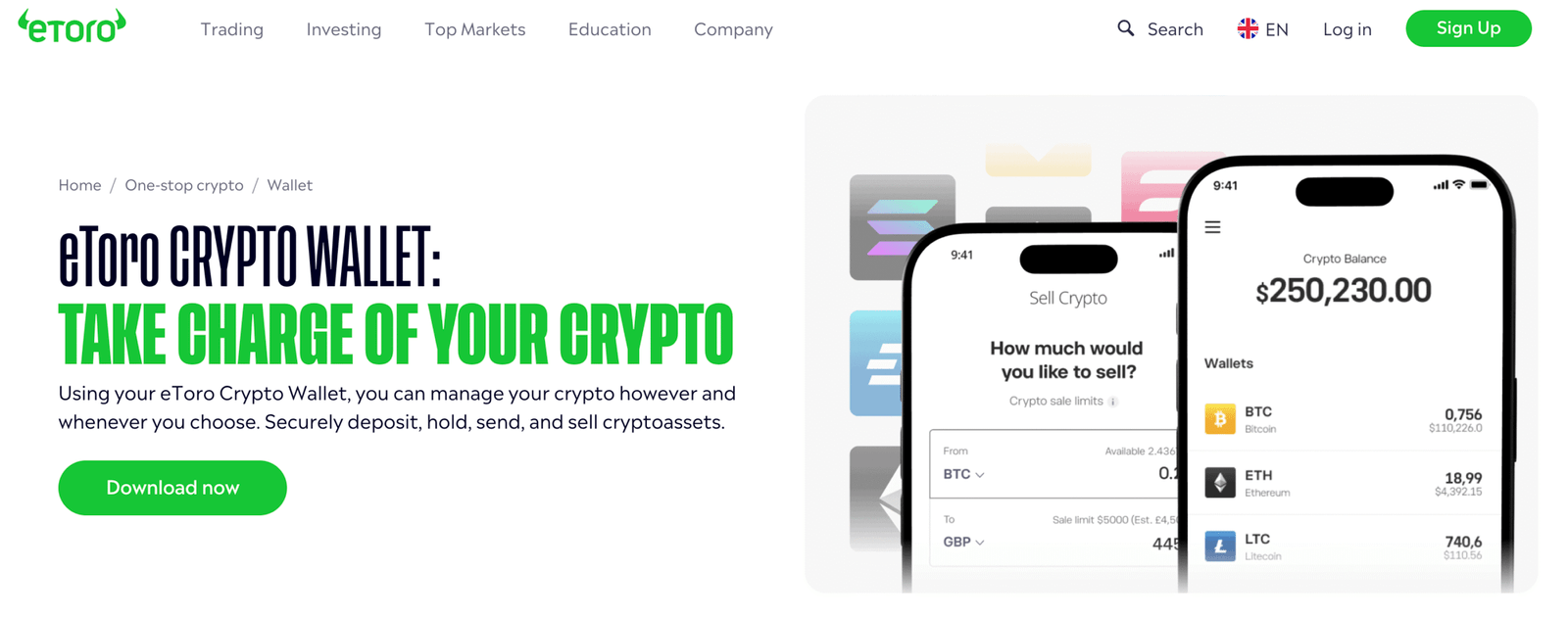
Quick verdict: Who should use the eToro Wallet?
The eToro Wallet is best for eToro users who want simple, secure crypto storage without managing private keys. It’s perfect for casual investors and mobile traders who value convenience, FCA-backed oversight, and smooth platform integration. It is not suited for hardcore crypto users who want full control, on-chain features, or cold-storage security.
Key info table
| Feature | Details |
|---|---|
| Wallet type | Custodial (keys held by eToro) |
| Regulation | eToro is FCA-regulated for certain services; crypto is not FSCS protected |
| Security | Multi-sig, 2FA, cold storage, threat monitoring, insurance |
| Supported coins | BTC, ETH, ADA, XRP, LTC, BCH, XLM, TRX |
| Transfers | Yes – in/out for supported assets |
| Conversion | Built-in crypto-to-crypto swaps |
| Fees | 1–2% conversion fees; transfer fees + network fees |
| Platforms | iOS & Android |
| Ideal for | Beginners, eToro clients, mobile traders |
How secure is this crypto wallet?
The eToro Wallet is highly secure due to multi-signature protection, 2FA, cold-storage reserves, wallet address whitelisting, and 24/7 threat monitoring. eToro is a multi-regulated provider, including the FCA, adding an additional trust layer for UK users. Most funds are held offline, and clients benefit from $1M insurance per user against internal breaches.
Is this wallet custodial or non-custodial?
The eToro Wallet is a custodial wallet, meaning eToro manages your private keys. This simplifies recovery, reduces user error, and removes seed-phrase management, but it also means you rely on eToro’s infrastructure rather than full self-custody. Advanced crypto users may prefer non-custodial or hardware wallet alternatives.
Which cryptocurrencies and networks does this wallet support?
The wallet supports a focused list of major coins, including Bitcoin, Ethereum, XRP, Litecoin, Stellar, Cardano, Bitcoin Cash, and Tron, alongside selected ERC-20 assets. Coverage is smaller than Trust Wallet or MetaMask, but includes the main coins traded on eToro.
Does this wallet integrate well with UK payment methods and exchanges?
Yes. It integrates directly with eToro Money and the eToro trading platform, giving UK users a smooth path for GBP deposits via bank transfer, Faster Payments, and debit card. Transfers from the trading platform to the wallet are supported for eligible crypto (non-CFD, long positions only). External sends/receives are available for supported coins.
How easy is this crypto wallet to use day-to-day?
The cryptocurrency wallet is extremely easy to use due to a clean mobile interface, guided transfers, instant coin conversions, and no need to manage private keys. The app suits mobile-first traders who want quick balances, simple swaps, and fast external transfers. It’s less suitable for advanced users needing dApps, staking, or multi-chain functionality.
Who is this crypto wallet best for?
The wallet is best for eToro users, mobile-first traders, and casual crypto investors who want a simple, regulated, secure wallet without private-key responsibility. It’s not ideal for long-term cold storage or advanced DeFi activity.
Read the complete eToro review here.
Pros and cons
Pros
- Highly secure with multi-sig, 2FA, and cold storage
- Fully integrated with eToro trading & GBP funding
- Beginner-friendly and no seed phrase required
- Supports external crypto transfers
- Mobile-first, clean design
- Insurance protection for custodial risks
Cons
- Custodial – no self-key control
- Limited supported coins compared with non-custodial wallets
- No staking or DeFi access
- Mobile only; no desktop version
- Transfer eligibility limited to certain eToro positions
Non-custodial wallets Reviews
These non custodial wallets give UK users full control of their private keys, stronger self custody security, and direct access to Web3 features.
1. Coinbase Wallet – Best for Web3, NFTs, and full self-custody
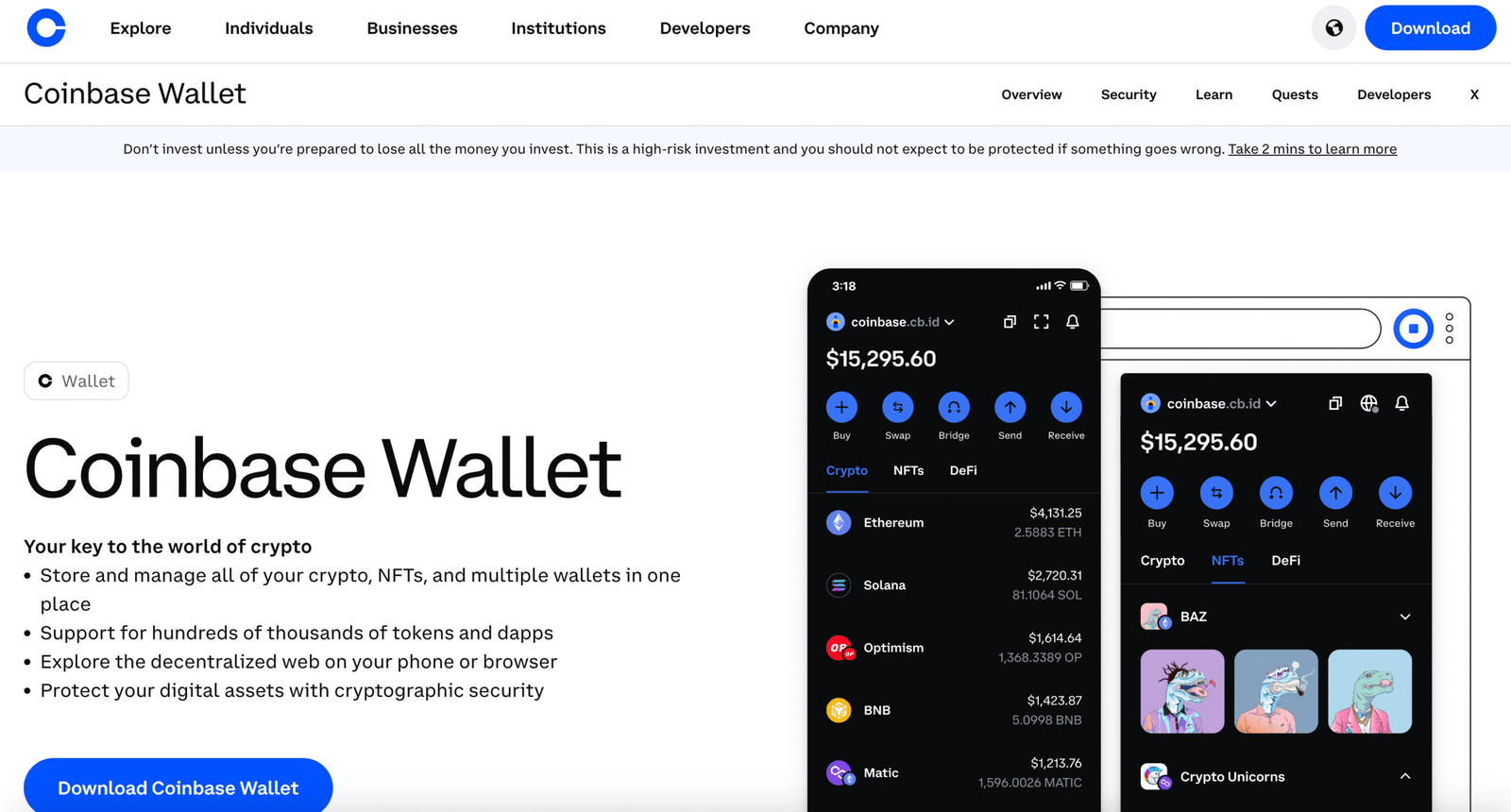
Quick verdict: Who should use the Coinbase Wallet?
Coinbase Wallet is best for users who want full self-custody, Web3 access, NFT support, and multi-chain control. It’s ideal for crypto-native users, DeFi participants, and NFT collectors who need a non-custodial wallet with broad token coverage. It is not suitable for beginners who prefer password recovery, low gas fees, or simple fiat on-ramps.
Key info table
| Feature | Details |
|---|---|
| Wallet type | Non-custodial (you hold private keys) |
| Regulation | Wallet itself not FCA-regulated; Coinbase exchange is FCA-registered for certain services |
| Security | User-owned keys, biometric login, AES-256 encryption, recovery phrase |
| Supported coins | 100+ assets including BTC, ETH, SOL, ERC-20, NFTs |
| Transfers | Yes – full control over in/out transactions |
| Conversion | dApp swaps with network gas fees |
| Fees | Free to use; blockchain gas fees apply |
| Platforms | iOS, Android, Chrome extension |
| Ideal for | Web3, NFTs, DeFi users, multi-chain access |
How secure is this crypto wallet?
Coinbase Wallet is highly secure as a non-custodial wallet, giving you complete private key ownership, biometric authentication, AES-256 encryption, and a 12-word recovery phrase for backup. Because Coinbase does not hold your keys, security depends heavily on your device and how safely you store your seed phrase. There is no FSCS protection, no password recovery, and lost keys cannot be retrieved.
Is this wallet custodial or non-custodial?
Coinbase Wallet is fully non-custodial, meaning only you control your private keys and seed phrase. This provides maximum autonomy and access to dApps, but it also means Coinbase cannot reset your password, recover funds, or help if you lose your recovery phrase.
Which cryptocurrencies and networks does this wallet support?
Coinbase Wallet supports 100+ assets across multiple blockchains, including Bitcoin, Ethereum, Solana, Polygon, Base, and ERC-20 tokens. It also supports NFTs, stablecoins, and thousands of DeFi tokens. Coverage is far broader than custodial exchange wallets and suitable for multi-chain activity.
Does this wallet integrate well with UK payment methods and exchanges?
Coinbase Wallet does not handle fiat directly, so GBP deposits must go through the main Coinbase exchange. Users can then transfer crypto from Coinbase.com to Coinbase Wallet for self-custody. Transfers between Coinbase and Coinbase Wallet are seamless and free, but network fees apply on-chain.
How easy is this crypto wallet to use day-to-day?
Coinbase Wallet is simple once set up, with a clean UI, easy token swaps, NFT management, and a built-in browser for dApps. However, managing gas fees, network selection, and recovery phrases makes it more complex than custodial wallets. It suits intermediate to advanced users, not complete beginners.
Who is this crypto wallet best for?
Coinbase Wallet is best for Web3 users, NFT collectors, DeFi participants, multi-chain investors, and anyone who prefers full control over their crypto. It’s less suitable for newcomers who need easy password recovery or low-friction GBP deposits.
Read the complete Coinbase review here.
Pros and cons
Pros
- Full self-custody and private key control
- Supports 100+ cryptocurrencies and NFTs
- Built-in dApp browser for DeFi and Web3
- Multi-chain support including Ethereum, Solana, Base, and Polygon
- Biometric login and strong encryption
- Easy transfers from Coinbase exchange
Cons
- No password recovery if seed phrase is lost
- Gas fees can be high on networks like Ethereum
- Not FCA-regulated (only Coinbase exchange is)
- No direct GBP deposits or bank integration
- Steeper learning curve for beginners
- User bears full security responsibility
2. Kraken Wallet – Best for multi-chain DeFi users wanting open-source security
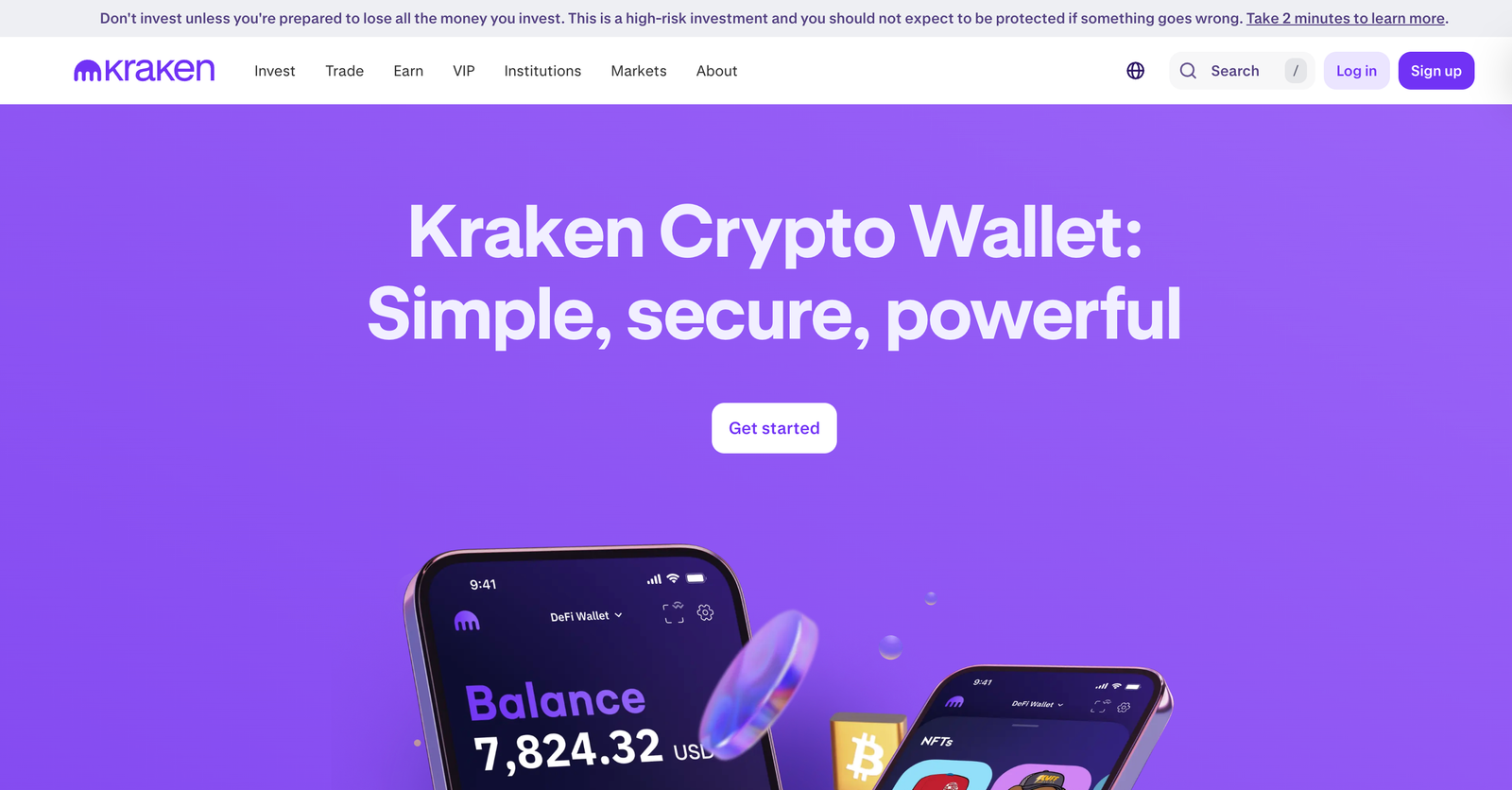
Quick verdict: Who should use the Kraken Wallet?
Kraken Wallet is best for users who want self-custody with multi-chain support, built-in swaps, and direct DeFi access in a trusted, security-first environment. It’s ideal for Web3 users who value open-source code, control of private keys, and direct access to dApps across major L1s and L2s. It’s not suited to beginners who prefer simple recovery options or hardware-wallet support.
Key info table
| Feature | Details |
|---|---|
| Wallet type | Non-custodial (self-custody with SRP) |
| Regulation | Wallet is not FCA-regulated; Kraken Exchange is FCA-registered for certain services |
| Security | SRP backup model, biometric login, encrypted storage, open-source code |
| Supported coins | 2,000+ assets across BTC, ETH, SOL, ARB, OP, Polygon, Base, DOGE, ERC-20 & SPL |
| Transfers | Yes – full in/out on supported networks |
| Conversion | Built-in swaps with DEX and bridge aggregation |
| Fees | Free to use; network gas and bridge fees apply |
| Platforms | iOS & Android (mobile-only) |
| Ideal for | DeFi users, Web3 explorers, multi-chain investors |
How secure is this crypto wallet?
Kraken Wallet is highly secure due to full private-key ownership, encrypted SRP storage, biometric authentication, app-level encryption, and security audits by Trail of Bits. Being open-source allows public code review and transparency. Users can also enable encrypted iCloud backup for recovery phrase protection. Because it is non-custodial, security ultimately depends on how safely you store your SRP.
Is this wallet custodial or non-custodial?
Kraken Wallet is fully non-custodial, giving you complete control over your private keys and recovery phrase. No one at Kraken can access or recover your SRP. This offers maximum control, but also maximum responsibility, losing your SRP means losing access permanently.
Which cryptocurrencies and networks does this wallet support?
Kraken Wallet supports 2,000+ cryptocurrencies across major L1s and L2s, including Bitcoin, Ethereum, Solana, Polygon, Optimism, Arbitrum, Base, and Dogecoin. It automatically supports all ERC-20 and SPL tokens. It does not currently support BRC-20 tokens, Bitcoin Ordinals, or Ripple/XRP.
Supported networks (core list)
- Bitcoin
- Ethereum
- Solana
- Polygon
- Arbitrum
- Optimism
- Base
- Dogecoin
Does this wallet integrate well with UK payment methods and exchanges?
Kraken Wallet does not process GBP deposits directly. UK users can fund via the Kraken Exchange, then move assets to the wallet using the Kraken Connect integration. Transfers between exchange and wallet are seamless, but withdrawal fees and on-chain network fees apply. There is no cold-storage hardware-wallet syncing.
How easy is this crypto wallet to use day-to-day?
Kraken Wallet’s interface is clean and intuitive, with simple navigation, biometrics, built-in DEX and bridge aggregation, and smooth NFT organisation. However, the SRP backup process is more complex than MPC-style wallets, and it may feel technical for first-time users. Web3 users will find it easy, but beginners may face a learning curve.
Who is this crypto wallet best for?
Kraken Wallet is best for Web3 explorers, multi-chain DeFi users, NFT collectors, and investors who want full control of their private keys. It’s less suitable for beginners, Bitcoin Ordinals users, or those who rely on hardware wallets for long-term storage.
Read the complete Kraken review here.
Pros and cons
Pros
- Self-custody with full control of private keys
- Open-source code and strong security architecture
- Supports 2,000+ cryptos across major L1s and L2s
- Built-in cross-chain swaps with DEX/bridge aggregation
- Direct dApp access via WalletConnect
- NFT support across ETH, SOL, Polygon, Arbitrum, Base, Optimism
- Seamless integration with Kraken Exchange
- Modern, intuitive mobile experience
Cons
- Mobile-only; no desktop/browser extension
- No hardware-wallet integration
- No support for BRC-20 tokens or Ordinals
- Swaps not supported on Bitcoin, Solana, or Avalanche
- SRP model may overwhelm beginners
- DeFi tracking can be inconsistent
3. Trust Wallet – Best for mobile users needing wide asset support and dApp access
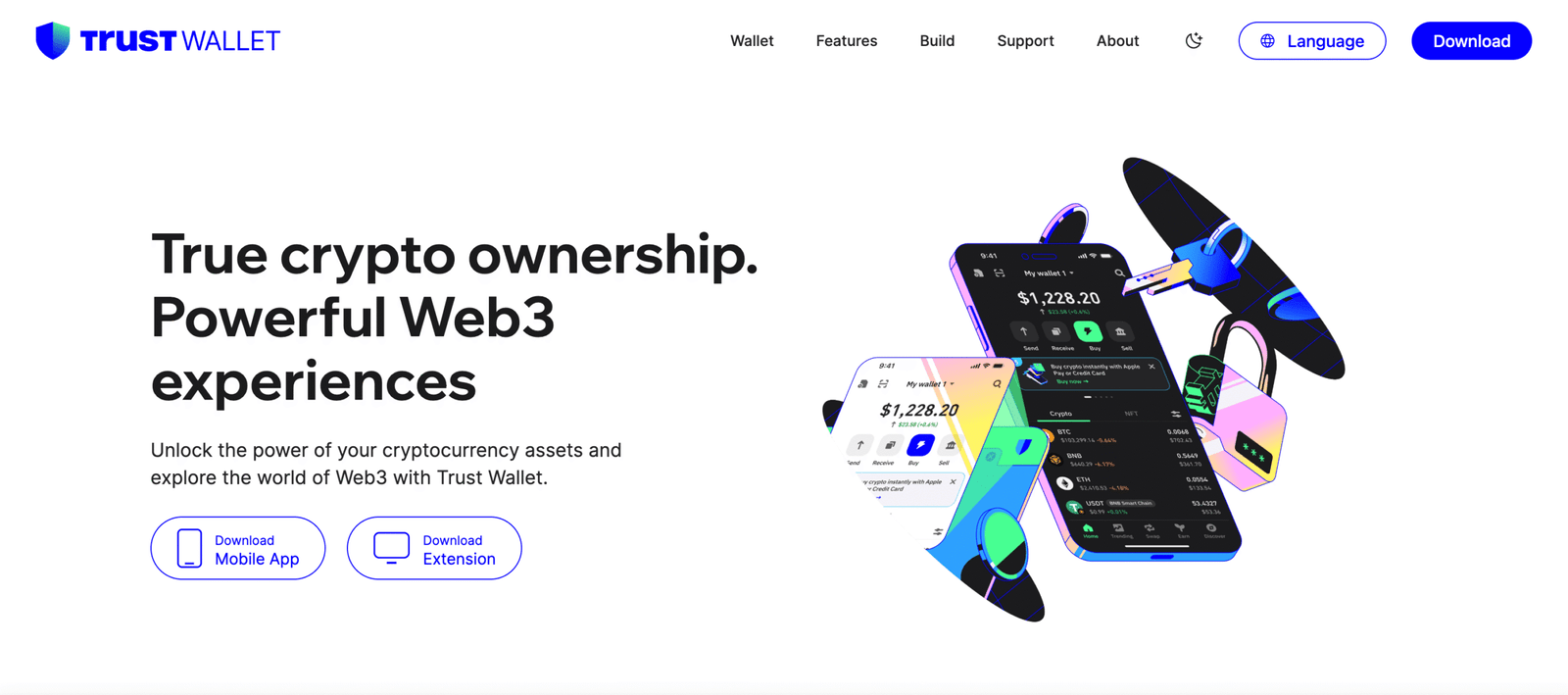
Quick verdict: Who should use the Trust Wallet?
Trust Wallet is best for users who want a simple, mobile-first, non-custodial wallet with massive multi-chain support and easy access to dApps, DeFi, and NFTs. It’s ideal for beginners and Web3 users who want full control of their private keys. It is not suited for users needing hardware-wallet security, desktop apps, or regulated GBP on-ramps.
Key info table
| Feature | Details |
|---|---|
| Wallet type | Non-custodial (you hold the private keys) |
| Regulation | Not FCA-regulated; legal to use in the UK |
| Security | Local key storage, biometric login, encrypted backup |
| Supported coins | 10M+ assets across 100+ blockchains |
| Transfers | Full in/out on supported networks |
| Conversion | Built-in swaps via DEX aggregators |
| Fees | Free to use; network gas fees apply |
| Platforms | iOS & Android (mobile-only) |
| Ideal for | Beginners, DeFi users, Web3 explorers, NFT traders |
How secure is this crypto wallet?
Trust Wallet is secure because of its locally stored private keys, encrypted cloud backup options, biometric authentication, and a 12-word recovery phrase you control.
As a non-custodial wallet, Trust Wallet never holds your keys or data, meaning only you can access your funds. However, it does not support hardware-wallet pairing, and lost seed phrases cannot be recovered.
Is this wallet custodial or non-custodial?
Trust Wallet is fully non-custodial, giving UK users complete ownership and responsibility over their private keys.
The cryptocurrency wallet never stores recovery phrases or personal information, and no central provider can freeze, recover, or restore assets on your behalf.
Which cryptocurrencies and networks does this wallet support?
Trust Wallet supports more than 10 million assets across 100+ blockchains, making it one of the most comprehensive mobile wallets available. It includes Bitcoin, Ethereum, BNB Chain, Solana, Polygon, Tron, Avalanche, and thousands of ERC-20, BEP-20, and SPL tokens. It also supports NFTs on multiple networks.
Does this wallet integrate well with UK payment methods and exchanges?
Trust Wallet does not offer direct GBP deposits or FCA-regulated buying options. UK users must purchase crypto via exchanges (e.g., eToro, Coinbase, Kraken) and then transfer assets into Trust Wallet. Third-party purchase providers inside the app may appear, but they are external services, not Trust Wallet itself.
How easy is this crypto wallet to use day-to-day?
Trust Wallet is extremely easy to use, offering a clean interface, simple token management, built-in staking, instant swaps, and a mobile dApp browser. It’s well-suited for beginners but offers deep functionality for advanced DeFi users. Being mobile-only, it lacks desktop tools and may feel limited for users needing hardware-wallet support.
Who is this crypto wallet best for?
Trust Wallet is best for new crypto users, DeFi explorers, NFT collectors, and anyone who wants full key ownership with easy mobile access. It’s less suitable for users needing advanced security like Ledger pairing or desktop wallet functionality.
Pros and cons
Pros
- Full non-custodial private-key ownership
- Supports 10M+ assets across 100+ blockchains
- Built-in swaps, staking, and Web3 dApp browser
- Clean mobile interface, ideal for beginners
- Strong privacy with no data tracking
- NFT support on multiple chains
Cons
- Mobile-only; no desktop app
- No hardware-wallet integration
- No direct GBP buying for UK users
- High gas fees on busy networks (e.g., Ethereum)
- Self-custody responsibility rests fully on the user
- Limited support for UK-specific fiat services
4. Ledger – Best for maximum security and long-term cold storage
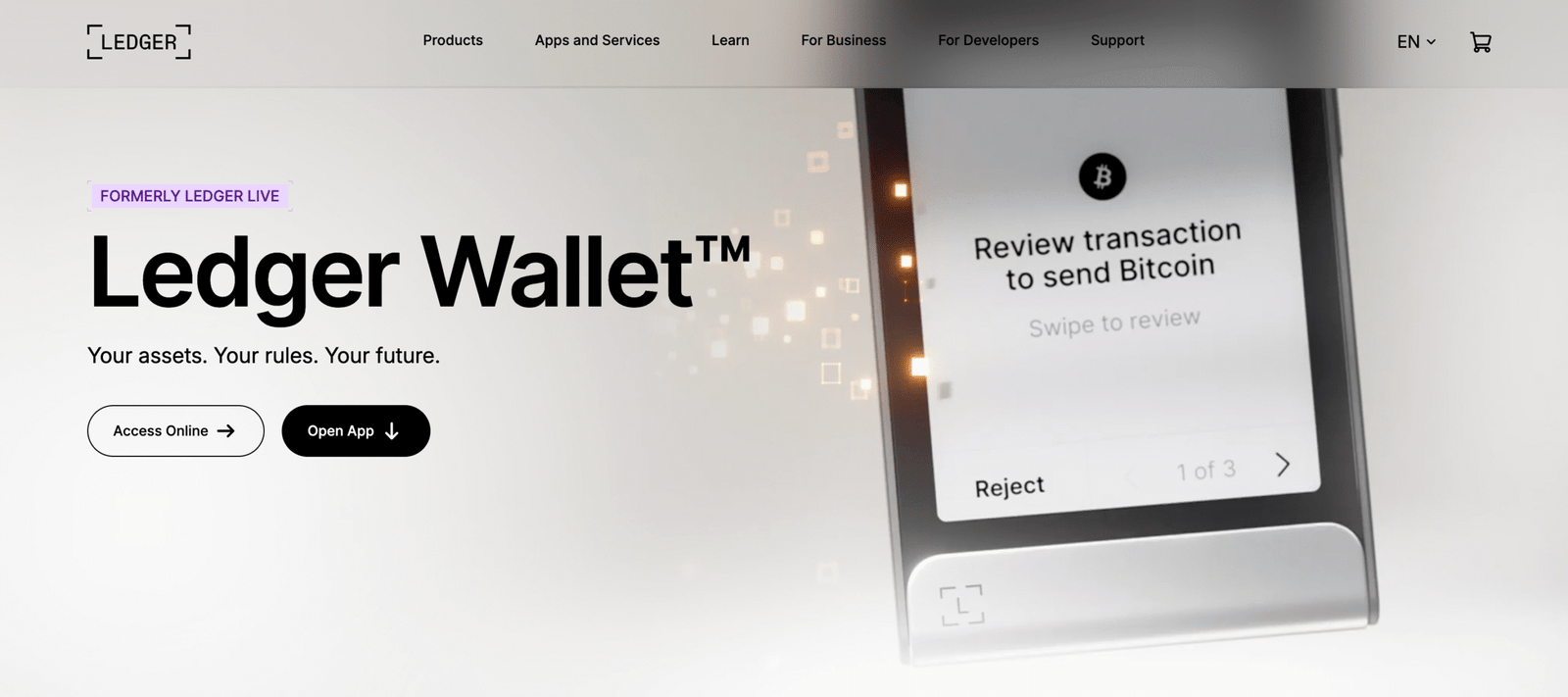
Quick verdict: Who should use the Ledger Wallet?
The Ledger Wallet is best for UK users who want the highest level of crypto security through offline cold storage. It’s ideal for long-term holders, high-value portfolios, and anyone who wants full control over private keys. It is not suited for beginners who prefer simple mobile apps or users who need fast Web3 access without a hardware device.
Key info table
| Feature | Details |
|---|---|
| Wallet type | Non-custodial hardware (cold storage) |
| Regulation | Not FCA-regulated (wallets do not require registration) |
| Security | Secure Element chip, offline keys, PIN, 24-word recovery phrase |
| Supported coins | 5,500+ assets across major chains |
| Connectivity | USB-C (all models), Bluetooth (Nano X / Stax / Flex) |
| Compatibility | Ledger Live app (iOS, Android, desktop) |
| Fees | One-time purchase + network fees |
| Ideal for | Long-term holders & high-security storage |
How secure is the Ledger Wallet?
Ledger is one of the most secure crypto wallets available, using a Secure Element chip, PIN protection, and a 24-word recovery phrase stored fully offline. Its cold-storage design ensures private keys never touch the internet, reducing exposure to malware or hacking.
Ledger devices also hold an EAL6+ security rating, one of the highest industry standards. While the hardware has never been hacked, users must store their recovery phrase safely, as losing it means losing access forever. Ledger is not FSCS-protected, as crypto is not covered by UK deposit insurance.
Is this wallet custodial or non-custodial?
Ledger is a non-custodial wallet, meaning you alone control your private keys. The device stores keys offline and requires physical confirmation before any transaction leaves your wallet. This gives complete ownership, but also full responsibility, there is no recovery if both the device and seed phrase are lost.
Which cryptocurrencies and networks does this wallet support?
Ledger supports 5,500+ cryptocurrencies, including Bitcoin, Ethereum, Solana, XRP, Cardano, Polygon, and most ERC-20 and SPL tokens. It also integrates with DeFi and Web3 apps when used alongside MetaMask, Coinbase Wallet, or Ledger Live.
Some networks require installing their specific Ledger app, and the number of apps you can store depends on the model (Nano S Plus ~100 apps, Nano X ~100 apps).
Does this wallet integrate well with UK exchanges and payment methods?
Yes. UK users can buy crypto via FCA-registered exchanges like eToro, Coinbase, Binance, or Kraken, then transfer assets into Ledger for cold storage. Ledger Live also supports crypto purchases via third-party providers, but GBP payment fees can be high.
Ledger does not directly support bank transfers, debit cards, or GBP deposits, it functions as a storage device, not a buying platform.
How easy is this wallet to use day-to-day?
Ledger is straightforward once set up, but requires more steps than a mobile hot wallet (software wallet). Users must install Ledger Live, connect the device, install blockchain apps, and confirm transactions manually on the device. Daily use is slightly slower, but ideal for long-term storage.
The newer Ledger Stax and Nano X models offer Bluetooth and improved screens, making the experience smoother for mobile users.
Who is this crypto wallet best for?
Ledger is best for users who prioritise maximum security, including long-term holders, high-net-worth investors, and anyone storing large amounts of crypto. It is also a strong choice for UK investors who want to keep assets offline but still interact with Web3 through wallet pairing.
It is less suitable for beginners who struggle with seed-phrase management or for traders who need rapid, frequent transactions.
Pros and cons
Pros
- Industry-leading security with offline private-key storage
- Supports 5,500+ cryptocurrencies
- Works with major Web3 wallets like MetaMask
- Ledger Live makes coin management simple
- Bluetooth available on higher-end models
- Excellent customer support and learning resources
- Affordable entry-level models
Cons
- Hardware must be purchased and physically stored
- Losing the device + seed phrase = permanent loss
- Some models have limited app storage
- Ledger is a target for phishing due to brand popularity
- Not ideal for beginners or fast Web3 transactions
How do you choose the right crypto wallet in the UK?
Choose a cryptocurrency wallet based on how you plan to store and use your crypto.
Hardware wallets like Ledger or Trezor offer the highest security for long-term holding, while mobile wallets like Trust Wallet or MetaMask suit everyday transfers, NFTs, and DeFi.
Check that the wallet supports the coins and networks you use, plus features like staking or dApp access. UK users should note that most wallets don’t accept GBP, so buying usually requires an FCA-registered crypto exchange or cryptocurrency app.
Always prioritise wallets with strong security, clear backup options, and a good reputation.
What are the best crypto wallet security practices UK users should follow?
The best security practices are to use strong authentication, protect private keys, choose reputable FCA-registered providers for custodial wallets, and keep backups in secure offline locations.
These steps reduce the risk of hacks, phishing, and loss of access.
Best practices for safer crypto storage
- Use two factor authentication on every wallet and exchange.
- Create a unique, strong password that is not reused anywhere else.
- Store private keys and seed phrases offline, never in cloud storage.
- Keep a hardware wallet (cold wallet) for long-term or higher-value holdings.
- Only download wallet apps from official websites or trusted app stores.
- Enable withdrawal whitelists where supported.
- Keep device software, browsers, and wallet apps fully updated.
- Watch for phishing emails or fake login pages.
- For custodial wallets, pick firms with FCA registration and clear security controls.
- Maintain a secure offline backup of recovery phrases in at least two separate locations.
Key reminder: Crypto is not protected by FSCS, so strong personal security practices are essential.
What UK tax and regulatory rules should crypto & Bitcoin wallet users know?
UK users must follow HMRC rules, meaning crypto sales, swaps, and rewards may trigger Capital Gains or Income Tax. Keep clear records of wallet activity, as HMRC can request information from exchanges.
Non-custodial wallets are not FCA-regulated, and crypto is not FSCS protected. UK users normally need to buy Bitcoin and other crypto through FCA-registered exchanges before moving funds into a wallet.
Check HMRC guidance if you earn staking or DeFi rewards, as these may be taxable.
How can you keep your cryptocurrency wallet secure in the UK?
Secure your wallet by protecting your seed phrase, using strong device security, and updating software regularly.
Hardware wallets (cold wallets) are the safest option for long-term storage, while hot wallets (software wallets) should be used more cautiously.
Only download wallets from official sources and double-check permissions when connecting to dApps. Use biometric login or PIN protection to prevent unauthorised access.
Taking these steps greatly reduces the risk of hacks, scams, or wallet loss.
How we test crypto wallets in the UK
UK crypto wallets are reviewed using a structured testing framework that scores each wallet on security, custody model, supported assets, ease of use, backup and recovery options, and customer support. Each category is rated from 1 to 5 using hands on testing, real wallet setups, and verification of core features.
We assess whether wallets are custodial or non custodial, review private key control, recovery phrases, biometric security, and compatibility with major blockchains. We also test wallet apps across mobile and desktop, check transparency around fees, and confirm FCA registration where applicable for wallet providers offering UK facing services.
This approach ensures every wallet recommendation is accurate, independent, and suitable for UK crypto users who prioritise control and security. Google content guidelines
For a full breakdown of our methodology, see our detailed guide on How We Test.
Conclusion
Choosing the best Bitcoin wallet in the UK depends on whether you prioritise security, ease of use, or Web3 access.
eToro Wallet is ideal for beginners who want a simple, FCA-linked ecosystem without managing private keys.
Coinbase Wallet suits users who want full self-custody and deep Web3 and NFT access across multiple networks.
For multi-chain control with strong open-source security, Kraken Wallet offers a powerful balance of flexibility and protection. And for mobile users wanting a lightweight, beginner-friendly option with huge asset coverage, Trust Wallet remains a reliable choice.
Whatever you pick, focus on strong security, clear backup controls, and UK-compatible buying options to protect your digital assets long term.
FAQs
What is the most trusted crypto wallet?
Ledger and Trezor are widely considered the most trusted wallets because they use offline hardware security and give full control of private keys.
Do I need a wallet to buy Bitcoin?
No. You can buy Bitcoin on an exchange, but you need a wallet if you want full control of your coins or to store them securely.
Are crypto wallets legal in the UK?
Yes. Crypto wallets are legal because they are non-custodial tools and do not require FCA registration to use.
Can HMRC access crypto wallets?
HMRC cannot access your wallet directly, but it can request data from exchanges and may require you to report wallet activity for tax purposes
What if I lose my recovery phrase?
If you lose your recovery phrase for a non-custodial wallet, you permanently lose access to your assets; there is no way to recover funds.
What is the best Bitcoin wallet in the UK?
The best Bitcoin wallet in the UK depends on whether you want simplicity or full self custody. For beginners, eToro Money Wallet is a strong option because it links to an FCA regulated platform and offers easy transfers. For full control of your Bitcoin, Ledger Nano S Plus and Ledger Nano X are leading non custodial hardware wallets with offline key storage and high security standards.
Are Trezor hardware wallets any good?
Yes. Trezor hardware wallets are widely regarded as one of the safest ways to store crypto long term, as they keep private keys fully offline and give users complete control over their funds. They are open source, have a strong security track record, and are best suited to users prioritising cold storage over convenience.
What is the best free crypto wallet?
The best free crypto wallet for most users is Trust Wallet, thanks to its non custodial setup, wide asset support, and simple mobile experience. MetaMask is a close alternative for Ethereum and DeFi users, while Exodus appeals to beginners who want a clean interface and desktop support.
What are public and private keys?
Public and private keys are cryptographic codes used to send, receive, and secure cryptocurrency. A public key (or wallet address) is shared with others so they can send you crypto, while a private key proves ownership and gives full control over the funds in that wallet. Anyone with access to the private key can move the crypto, which is why it must be kept secure and never shared.